Similar topics:
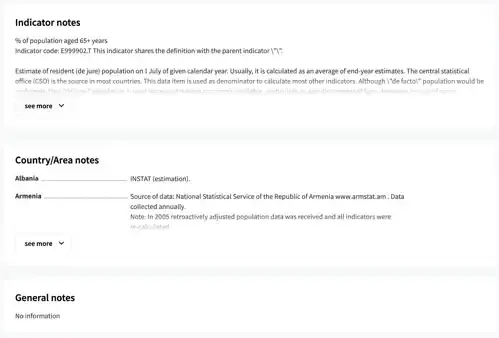
Additional information about an indicator can be found in the notes sections of the indicator pages.
Notes sections
1. If you know the indicator name, begin typing the title of the indicator in the search box. As you type, the autocomplete feature of Search will show a list of search results. Click on the indicator title to show the page for the indicator.

2. Select a database.
3. Click on an indicator title to open a page describing it.
4. The page has three expandable sections. Data set notes contain information that applies to all the indicators in the data set. Indicator notes contain information that is specific for the displayed indicator, for example, the definition of the indicator. Country/Area notes contain information for individual countries. Click on the 'see more' button to observe information in each section.