


 Similar topics:
1. Open the Indicators Explorer https://gateway.euro.who.in/hfa-explorer/
2. Select an indicator:
a. Expand Indicators.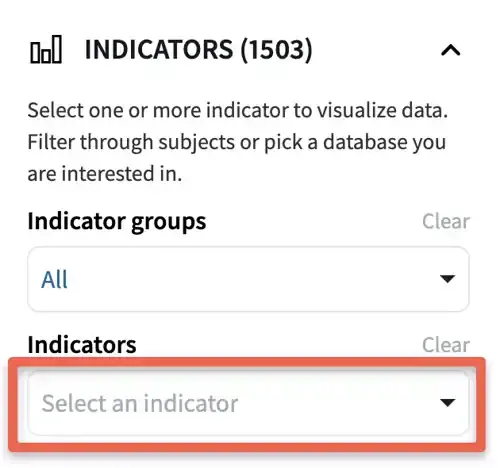
b. Click on the search field.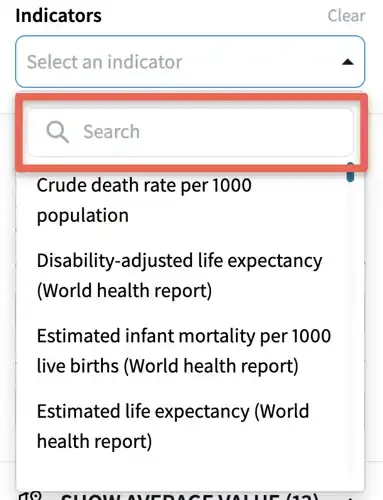
c. Start typing the indicator title or part of the title.
d. Click on the indicator title.
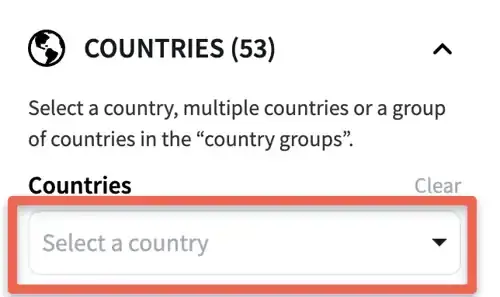
3. To add a country to the line chart, expand Countries and select a country.
4. To export the graph
a. Click the download icon
b. Select the file format (PNG or JPEG).
c. Set the image size
d. Click the Export button
5. Insert the exported chart as a Picture in PowerPoint.
6. You can adjust the chart in PowerPoint by resizing, adding text and visual cues, and much more.