


 Similar topics:
There are many options for sharing and reusing the charts and information from the Gateway:
- Bookmark the chart or indicator for your future use
- Share on social media or via email
- Download the graph or the data to your computer
1. Open the Indicators Explorer https://gateway.euro.who.in/hfa-explorer/
2. Select an indicator:
a. Expand Indicators.
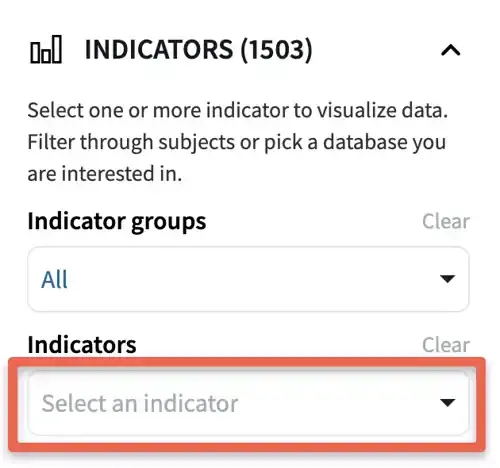
b. Click on the search field.
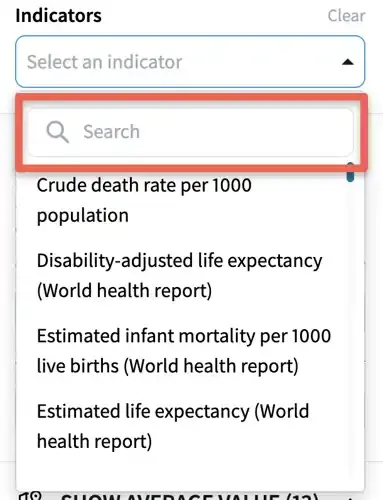
c. Start typing the indicator title or part of the title.
d. Click on the indicator title.
3. Make a bookmark to save the chart for future reference.
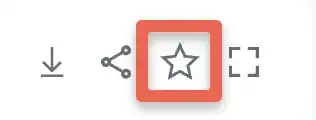
4. You can view saved bookmarks by clicking on the Bookmarks icon.

5. To share the chart on social media
a. Click the Share icon.
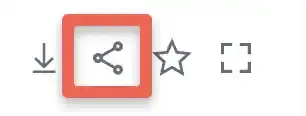
b. Several options are available for sharing, including Facebook and Twitter.
c. Select the social media platform by clicking the button, and you will be directed there.
d. If you would like to share the link in a media format not already listed, you can click on the Copy link button and paste the link to share the chart.